

DragonBet App
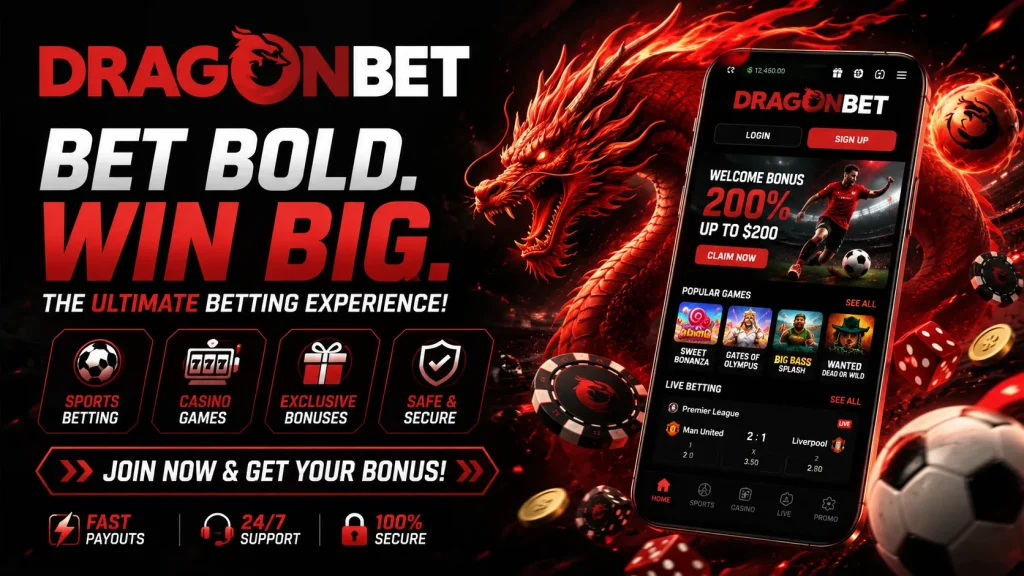
We built the DragonBet app for Aussie players who want a fast, reliable way to spin slots or bet on live markets without being chained to a desktop. Whether you’re on the train home or waiting on a coffee order, the DragonBet mobile app puts our full casino floor in your pocket. This page walks you through exactly how to download and install it on iOS and Android, what your device needs to run it smoothly, and how the mobile experience stacks up against playing through a browser. We’ve kept things practical here — real steps, real numbers, no fluff — because we know you’re deciding whether this app is worth the storage space on your phone.
Everything we cover below, from setup to payments to troubleshooting, reflects how the Dragon Bet app actually behaves day-to-day, not marketing spin. Let’s get you set up.
Installing the DragonBet App on Android
Because Google Play restricts real-money gambling apps across much of Australia, we distribute the DragonBet APK directly from our own site rather than through the Play Store. This is standard practice for regulated betting operators and doesn’t compromise the app’s safety. To install it, open our site in Chrome on your Android phone, tap the download button, and let the APK file save. Before opening it, you’ll need to allow installation from “unknown sources” — Android will prompt you for this automatically, or you can enable it beforehand under Settings > Apps > Special Access > Install Unknown Apps.
Once permission is granted, tap the downloaded file and confirm the install. The whole process typically takes under two minutes on a decent connection, and the file itself is a lightweight download compared to app-store equivalents. After installation, you’ll find the DragonBet icon sitting on your home screen, ready to open straight into the lobby.
Setting Up on iPhone and iPad
Apple’s App Store guidelines are similarly strict on gambling apps, so for iOS we offer an app-like experience through your Safari browser that installs as a home-screen icon, behaving just like a native download. Open our site in Safari, tap the Share icon at the bottom of the screen, then select “Add to Home Screen.” Confirm the name and tap Add — the DragonBet icon now sits alongside your other apps, launching in full-screen mode without browser bars or address fields getting in the way.
This method means no waiting on app-store review times and no missing out on updates, since the web app refreshes automatically in the background. It also sidesteps storage concerns, as it uses a fraction of the space a native download would. If you ever remove it, simply revisit our site and repeat the steps to reinstall in under a minute.
System Requirements and Compatibility
The DragonBet app is built on HTML5 technology rather than a heavy native framework, and that choice matters more than it sounds. In plain terms, it means one lightweight build runs consistently across almost any modern phone or tablet, loading games instantly without extra plugins, downloads, or per-title installs. You get smoother animations, lower data consumption, and gentler battery drain compared to older app formats — genuinely useful if you’re playing on mobile data during your commute.
| Requirement | Android | iOS |
|---|---|---|
| Minimum OS version | Android 8.0+ | iOS 14+ |
| Storage needed | Approx. 40–60MB | Under 20MB (web app cache) |
| Connection | 3G minimum, Wi-Fi or 4G/5G recommended | 3G minimum, Wi-Fi or 4G/5G recommended |
| RAM recommended | 2GB+ | 2GB+ |
If your device meets these marks, expect the lobby to load in a few seconds and gameplay free of stutter or lag.
Registering and Logging In on Mobile
Getting from install to your first spin takes only a handful of steps. Tap Register, fill in a short form suited to small screens — email, mobile number, a password, and basic personal details — and confirm via the verification link or code we send. We ask for identity documents early because completing this KYC step upfront means your future withdrawals won’t be held up later. Most players finish registration in under five minutes.
Once you’re set up, the DragonBet mobile app supports Face ID and fingerprint login on compatible devices, so you’re not retyping passwords every session. You can also choose “stay logged in” for one-tap access on a trusted device. Forgotten your password? The reset flow is handled entirely in-app, no need to jump to a desktop browser.
Deposits and Withdrawals from Your Phone
Mobile banking should feel effortless, and we’ve designed our payment flow around that. Saved cards and e-wallets mean most deposits are a one-tap confirmation rather than a full re-entry of details.
| Method | Min/Max Deposit | Withdrawal Timeframe |
|---|---|---|
| Visa/Mastercard | $10 / $5,000 | 1–3 business days |
| PayID/POLi | $10 / $3,000 | Same day–24 hours |
| Google Pay | $10 / $2,000 | 1–2 business days |
| Crypto (BTC/USDT) | $20 / $10,000 | Under 1 hour typically |
Withdrawal speed is one of the biggest trust signals we can offer, so we keep our processing transparent — no vague “5–10 business days” language. Once your KYC is verified, most cashouts clear well within the windows above.
Games and Mobile-Exclusive Bonuses
Nothing on the DragonBet app is a cut-down version of the desktop site. You get the full slots library, table games, and live dealer studios with real croupiers streaming in HD, plus a search and filter bar that finds any title in seconds rather than scrolling endlessly. Providers like Pragmatic Play, Play’n GO, and Evolution feature prominently, alongside progressive jackpots that sync in real time across platforms.
We also run app-specific promotions — occasional free spins drops and push-notification offers you won’t always see on desktop — layered on top of our standard welcome offer. Every bonus comes with clearly stated wagering requirements in the terms, because we’d rather you know exactly what you’re signing up for than chase a vague headline number.
Security and Responsible Play
The DragonBet app uses the same encryption and licensing framework as our full site at DragonBet, meaning secure payment processing and RNG-certified games regardless of which device you’re using. We also build responsible gambling tools directly into the app — deposit limits, time-outs, self-exclusion, and reality-check reminders are all a few taps away in your account settings, not buried in a help article.
Troubleshooting Common Issues
If the APK won’t install, double-check “unknown sources” is enabled and that you’ve got enough free storage. Login problems are usually solved by updating to the latest app version or clearing cached data. Slow loading almost always traces back to a weak connection — switch from Wi-Fi to mobile data or vice versa. If issues persist, our support team is reachable 24/7 via live chat directly inside the app, and we’ll usually have you back in the lobby within minutes.